Virtual clothes try-on for smarter shopping
Learn how to take the right photo, choose the best clothing image, and use AI on iPhone to try clothes on before you buy.
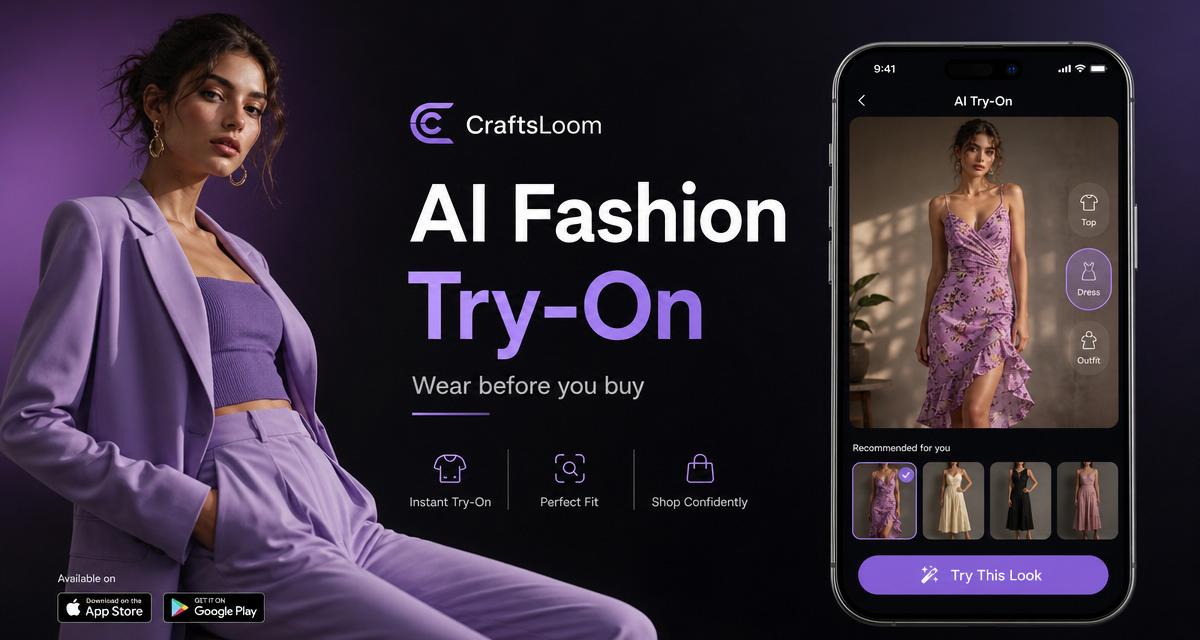
Start
How to try clothes on online with AI
Virtual clothes try-on begins with the right inputs. A clean photo of you and a clear photo of the garment are the two most important pieces. If either is low quality, the AI will struggle to produce a convincing result.
This guide walks through the three steps: preparing your photos, generating the virtual try-on, and judging the result so you can buy with confidence.
Steps
The virtual try-on workflow
Capture your photo
Choose a straight-on, well-lit photo with a plain background to give the AI the best possible starting point.
Choose the garment
Use a full image of the clothing item. Screenshots from online stores or product photos work well.
Review the result
Judge proportion, colour and silhouette, not just the size label. Use a size chart for fit questions.
Need more detail
Read deeper AI fashion insights
How the app works
Learn why a dedicated AI fashion try-on app delivers a better virtual clothes preview than generic filters.
Read the app guideDIY virtual try-on
Use the guide with your own photos and see how to judge the AI result before you checkout.
Browse more guidesFAQ
Virtual try-on questions
Ready to try on clothes with AI?
Download AI Fashion Try-On for iPhone and get 50 free welcome credits. Upload a photo, add any outfit and see realistic AI results in seconds.
Free to download · 50 welcome credits · No credit card required